The short answer
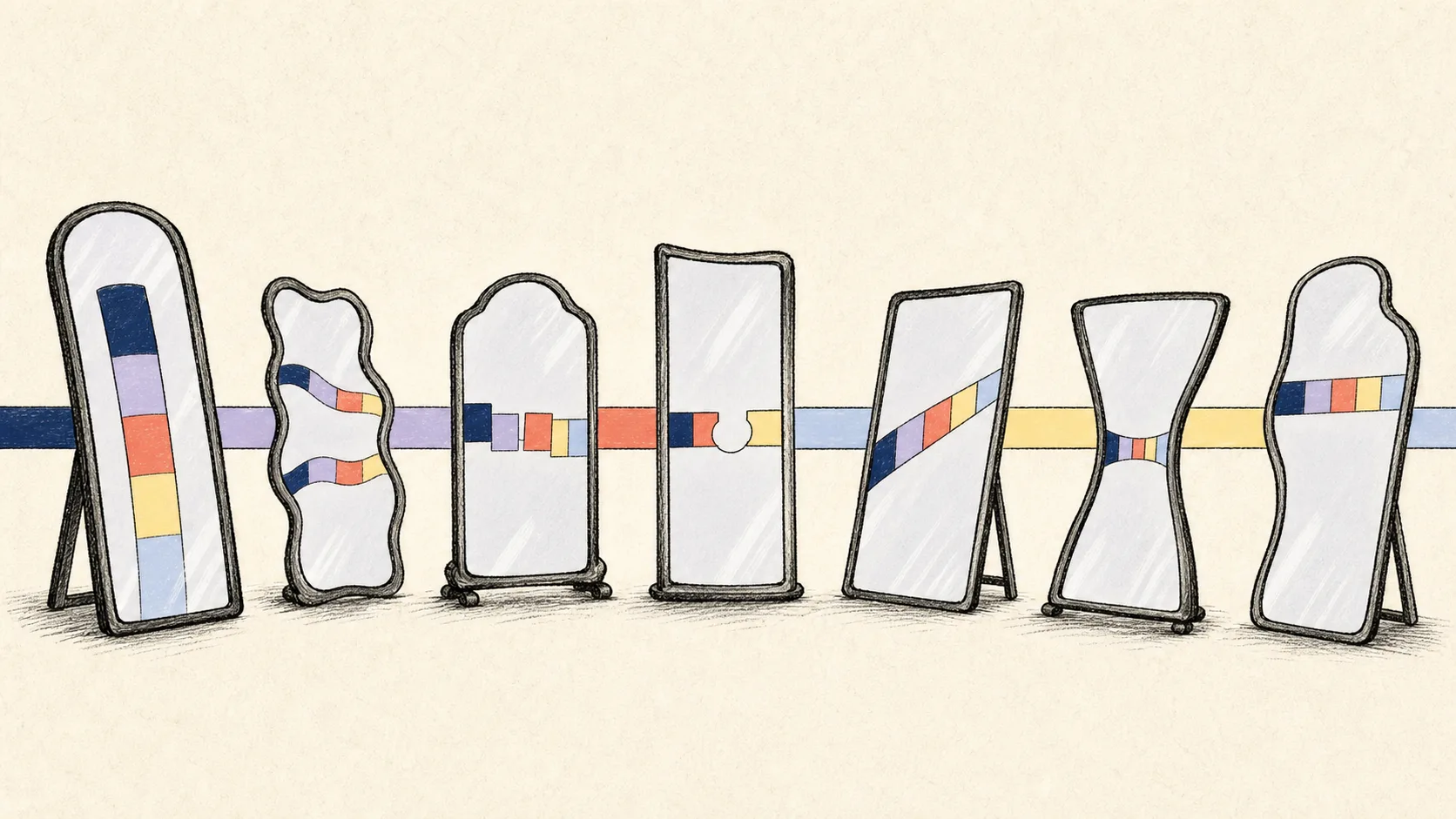
Shopify profit looks wrong when the bookkeeping confuses sales, payments and cash. A customer can buy today, Shopify can capture the payment tomorrow, the payout can arrive next week, and the bank can post it one day later. Those events are connected, but they are not the same accounting number.
Most errors fall into seven patterns: net payouts recorded as revenue, sales recorded twice, deductions omitted, tax left inside income, gift cards recognised at the wrong time, product cost missing, and month-end cut-off ignored.
None of these mistakes requires a dramatic fraud or broken store. They usually begin with a reasonable shortcut that is repeated every day. By month-end, the profit and loss can look tidy while revenue, margin and cash tell different stories.
A quick diagnostic before the seven mistakes
Open the Shopify Finance Summary, the Shopify Payments payout reconciliation report, the QuickBooks profit and loss, the Shopify clearing account and the bank reconciliation for the same month. Use the same entity, currency, time zone and cut-off.
Do not expect every total to match directly. Shopify Finance reports explain sales activity. The payout report explains movement through Shopify Payments. QuickBooks shows the accounting policy applied to both. The useful question is whether the differences are named and supported.
| Report | Primary question | Common wrong comparison |
|---|---|---|
| Shopify sales | What was sold or returned? | Comparing it directly with bank deposits |
| Shopify payout report | How did provider funds move? | Calling the net payout revenue |
| QuickBooks P&L | What revenue and costs belong to the period? | Using it before fees or COGS are complete |
| Shopify clearing | What provider cash remains unsettled? | Expecting it to be zero every day |
| Bank reconciliation | Do QuickBooks cash records match the statement? | Treating a zero difference as proof of correct profit |
Mistake 1: recording the net payout as Shopify revenue
The amount Shopify sends to the bank is usually lower than sales because refunds, fees, disputes and other deductions are netted before settlement. It can also include activity from more than one sales date.
Recording that deposit as revenue understates sales when fees and refunds are netted. It can also overstate sales when the payout includes tax, gift-card cash or an adjustment that is not revenue. The error changes with the contents of each payout, so a fixed correction percentage will not repair it.
Record the accounting categories that created the payout, then move the net amount through Shopify clearing or the approved bank account. Match the bank deposit to that existing record instead of using it to decide revenue.
| Store | Sales before fees | Refunds | Fees | Payout |
|---|---|---|---|---|
| Store A | $9,500 | ($200) | ($300) | $9,000 |
| Store B | $10,200 | ($800) | ($400) | $9,000 |
Both stores receive the same cash. Their sales, refund rate and processing cost are different. A bank-deposit entry would make those businesses look identical when they are not.
Mistake 2: recording the same sale or deposit twice
Duplicate sales often appear when one connector creates order-level sales and another integration posts payout summaries that credit revenue again. They also appear when the payout entry already exists and the bank-feed deposit is categorised as new sales.
The profit and loss rises, but cash does not. Shopify clearing may remain high because the deposit never matched the payout entry. The merchant can therefore see both overstated revenue and an unexplained balance-sheet asset.
Choose one accounting owner for each category. Search QuickBooks for the payout ID, amount, order reference and date before posting or retrying. Intuit recommends matching a downloaded bank transaction to an existing record when the transaction is already in QuickBooks.
- List every app and manual process that can write Shopify activity to QuickBooks.
- Identify which one owns sales, refunds, fees, tax, payouts and COGS.
- Choose a documented cut-over date before changing methods.
- Search for existing payout or order references before creating a correction.
- Match deposits instead of categorising them as new income when the entry exists.
Mistake 3: leaving out fees, refunds or disputes
A store can record sales correctly and still overstate profit by missing the deductions around them. Shopify Payments fees are a business cost. Refunds reverse all or part of an earlier sale. Disputes can create temporary holds, fees and later reversals.
Do not bury every deduction in one generic expense. Separate payment-processing fees from refunds and dispute outcomes because they answer different management questions. A rising refund rate is not the same problem as a higher card fee rate.
Use Shopify's payout transaction detail and date-range reconciliation report. Record the exact amounts and signs shown by the provider. If an unfamiliar adjustment has no approved treatment, keep it as an exception instead of guessing.
| Missing item | Profit effect | What management loses |
|---|---|---|
| Processing fee | Profit overstated | True cost of payment acceptance |
| Refund | Revenue and profit overstated | Return rate and product quality signal |
| Dispute fee | Profit overstated | Fraud or service cost |
| Reserve or hold | Cash position misstated | Funds available for operations |
Mistake 4: leaving sales tax or VAT inside revenue
Tax collected from a customer is usually not merchant revenue when the merchant must remit it to a tax authority. Leaving the full customer charge in sales can overstate revenue and profit while understating the tax liability.
The reverse problem occurs when a marketplace or Shopify-managed arrangement remits tax and the merchant creates the same liability again. Tax responsibility depends on the jurisdiction, registration, product, customer and marketplace evidence. Do not infer it from the bank deposit.
Preserve Shopify's tax amount and refund evidence by period. Use approved QuickBooks tax codes or liabilities for the relevant country. The accountant should reconcile what was collected, what the merchant owes, what another party remitted, and what was filed or paid.
Mistake 5: treating gift cards and store credit as revenue twice
Selling a gift card normally creates cash and a customer liability. Revenue is recognised when the customer later redeems the card for goods or services, subject to the approved accounting and local rules.
If the gift-card sale is recorded as revenue and the redeemed order is also recorded as revenue, profit is counted twice. The opposite error happens when the redeemed order is excluded from sales merely because no new external cash entered the payout.
Keep issuance, redemption, refunds and expiry as separate events. Reconcile the outstanding gift-card or store-credit balance. Mixed payments need extra care because part of one order can be funded by a card and part by a stored-value liability.
| Event | Cash | Revenue | Liability |
|---|---|---|---|
| Sell $100 gift card | +$100 | $0 | +$100 |
| Redeem $60 for goods | $0 new cash | +$60 | ($60) |
| Balance remaining | — | — | $40 |
Mistake 6: reporting sales without complete COGS
Revenue alone cannot show product profit. If product cost is missing for popular items, Shopify and QuickBooks can report a margin that is materially too high. Shopify's Finance Summary identifies net sales for which cost was not recorded.
Do not apply today's cost to old sales without evidence. Supplier prices, freight, duties and manufacturing cost can change. Use the cost effective on the sale date, then handle a restocked return using the original sale evidence rather than the latest product cost.
Post COGS separately from the payout. The payout explains customer money and provider deductions; COGS explains inventory leaving the business. Missing cost should remain a visible gap, not be filled with a guessed percentage merely to complete the month.
- Products and variants have an approved cost source.
- Historical sales use the cost effective on their sale date.
- Refunded items reverse cost only when the inventory evidence supports it.
- Inventory asset and COGS entries balance.
- Sales without cost are reported as an exception.
Mistake 7: closing on bank dates and ignoring Shopify clearing
Sales near month-end may not reach the bank until the next month. Refunds and disputes can also appear after the original order. If the close uses only bank deposits, profit moves between periods according to payout timing rather than the approved accounting method.
A Shopify clearing account makes the timing visible. At the cut-off, it should equal supported provider funds that have not yet reached the bank, plus named reserves, holds or adjustments. It does not need to be zero, but every old balance needs an explanation.
Use one time zone and one period rule for sales, refunds, fees and COGS. Prove opening provider balance plus activity less payouts equals closing provider balance. Then identify completed payouts that have not yet appeared in the bank.
| Event | Shopify date | Payout date | What the close needs |
|---|---|---|---|
| Customer sale | 31 August | 2 September | August sale under accrual policy |
| Processing fee | 31 August | 2 September | August fee under matching policy |
| Bank deposit | 3 September | — | September cash movement |
| 31 August clearing | 31 August | Pending | Supported balance in transit |
Worked example: why the shortcut nearly doubles profit
Assume a month has $120,000 of net product sales after discounts and refunds, $5,000 of shipping revenue and $10,000 of sales tax. Customers also buy $4,000 of new gift cards, while $3,000 of that month's orders are paid with gift cards already issued.
Shopify Payments cash before fees is $136,000: $135,000 of sales, shipping and tax, less the $3,000 gift-card-funded portion, plus $4,000 of new gift-card cash. After $3,800 of payment fees, the provider movement is $132,200 before any opening or closing balance timing.
If the merchant records the $132,200 deposit as revenue and omits both fees and $52,000 of COGS, the reported contribution is $132,200. The cleaner view records $125,000 of product and shipping revenue, $52,000 of COGS and $3,800 of payment fees. Contribution before overhead is $69,200.
The $10,000 tax and $4,000 gift-card issuance belong in liabilities, not revenue. The $3,000 gift-card redemption remains part of the product sales already recorded. The payout cash and the profit are both correct only after those movements are separated.
| Line | Deposit-as-revenue shortcut | Cleaner view |
|---|---|---|
| Product and shipping revenue | $132,200 | $125,000 |
| Sales tax liability | Included in revenue | $10,000 liability |
| Gift-card issuance | Included in revenue | $4,000 liability |
| Payment fees | $0 | ($3,800) |
| COGS | $0 | ($52,000) |
| Contribution before overhead | $132,200 | $69,200 |
How to repair distorted Shopify profit safely
- Freeze new posting changes until you know which process owns each accounting category.
- Choose the last clean month or payout and document the opening clearing balance.
- Compare Shopify sales, payments, payouts, tax, gift cards and costs with QuickBooks for one month.
- Identify exact duplicates, missing deductions, liability errors and cost gaps.
- Ask the accountant how to correct any closed or tax-filed period.
- Repair one named cause at a time and recalculate profit and clearing after each change.
- Match deposits only after the supporting QuickBooks records exist.
- Save the final reports and correction notes with the close evidence.
Avoid deleting large batches merely because one total looks high. A duplicate may share dates and amounts with valid records. Use payout IDs, order references, QuickBooks document numbers and bank matches to distinguish the original from the error.
How Vatteo protects the profit picture
Vatteo separates Shopify sales evidence from provider cash, reconstructs each completed payout, and prevents the same payout from being posted twice. Fees, refunds, disputes, tax, gift cards and supported adjustments remain visible instead of disappearing inside the bank deposit.
COGS uses dated product-cost evidence and remains separate from the payout entry. QuickBooks postings are read back and compared with the approved proposal, while clearing, bank matching and month-end status stay in the same review path.
For Shopify Payments merchants using QuickBooks Online, Vatteo is the strongest way to protect profit from the seven recurring mistakes above. It replaces fragile shortcuts with a controlled path from source evidence to a signed-off month.
A monthly profit-quality checklist
- Shopify payouts are not posted as revenue.
- Only one process owns each Shopify accounting category.
- Bank deposits match existing records instead of creating duplicate income.
- Fees, refunds, disputes and adjustments are complete and separately visible.
- Sales tax or VAT is separated from merchant revenue where required.
- Gift cards and store credit reconcile as liabilities.
- COGS covers all material sales using dated cost evidence.
- Opening and closing Shopify clearing balances are supported.
- Sales, costs and cash use the approved month-end cut-off.
- QuickBooks cash agrees with the bank statement after reconciliation.
Common questions
Shopify accounting mistakes FAQ
Why is my Shopify profit higher than expected?
Check for duplicated sales or deposits, missing fees and refunds, tax inside revenue, gift cards recognised twice, and sales without COGS. Compare the same period and currency.
Is a Shopify payout the same as revenue?
No. A payout is a net movement of provider funds after refunds, fees and other activity. Shopify says its payout reconciliation report is not a revenue statement.
Can QuickBooks be reconciled while Shopify profit is wrong?
Yes. The bank account can agree with the statement even when deposits were categorised to the wrong income, liability or expense accounts. Bank reconciliation proves cash, not classification.
Should Shopify gift-card sales count as revenue?
They usually create a liability at issuance, with revenue recognised on redemption under the approved policy and local rules. Avoid recognising both issuance and redemption as revenue.
Why does Shopify gross profit exclude some sales?
Shopify reports net sales without cost separately. Only net sales with cost recorded are included in its COGS and gross-profit calculation.
How does Vatteo prevent Shopify profit errors?
Vatteo separates sales, settlement, liabilities, COGS and cash; blocks incomplete evidence; prevents duplicate payout posting; and verifies the QuickBooks result before close.
Sources
Platform behaviour changes. These first-party references were checked on 2 August 2026.
- Shopify: Finance reports and total sales
- Shopify: Payout reconciliation report
- Shopify: View and export payout details
- Shopify: Profit reports
- Shopify: Tax reports
- Shopify: Manage gift cards
- QuickBooks: Match bank transactions
- QuickBooks: Set up a clearing account
- QuickBooks: Reconcile an account
- QuickBooks: Fix mismatched bank transactions