Understand the payout
Learn why sales, payout, and bank dates differ—and which Shopify reports answer each question.
Shopify accounting topic hub
Explain every Shopify deposit from gross sales through refunds, fees, adjustments, clearing, and the final bank match.
15 focused guides
What you will learn
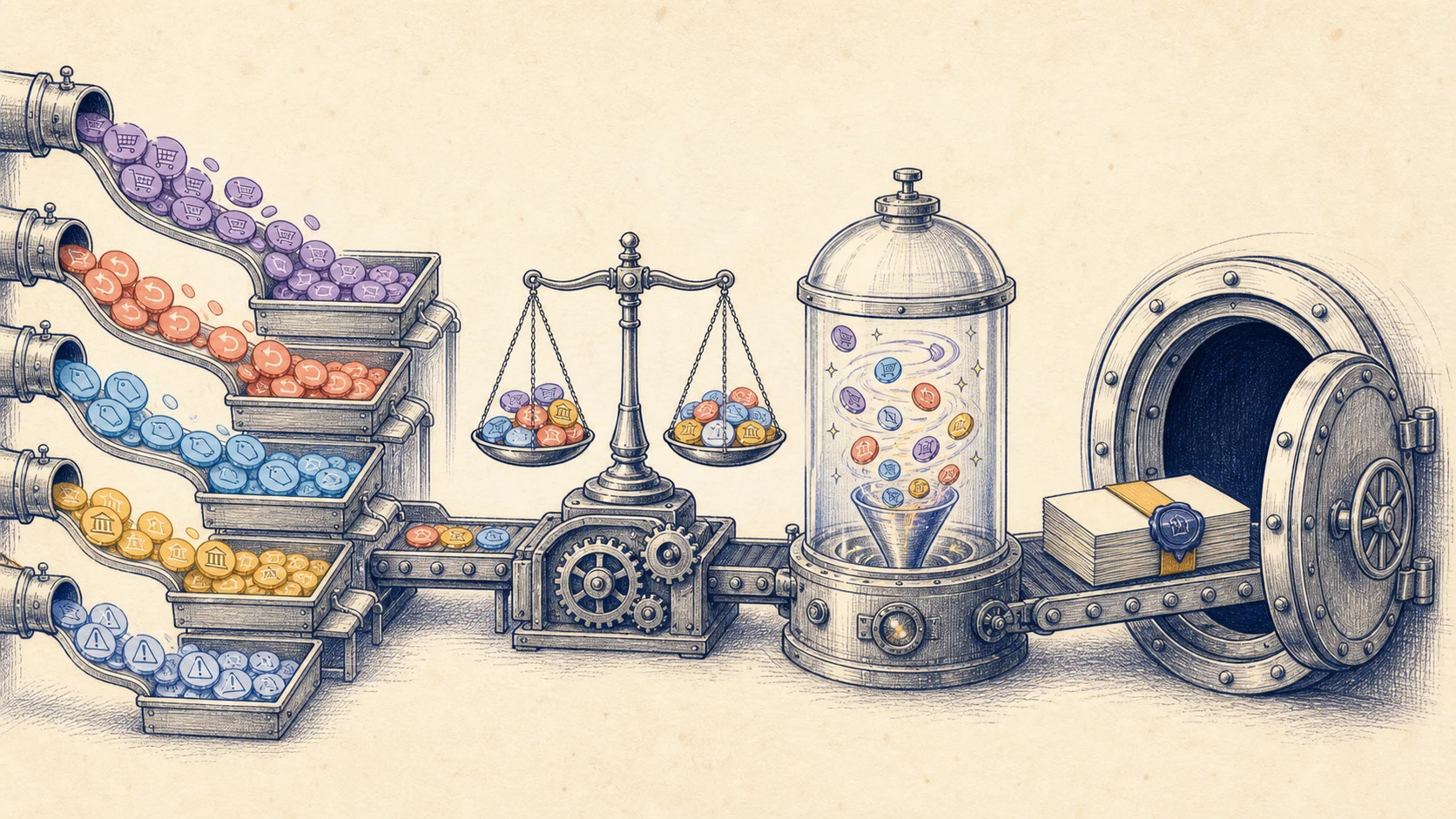
Shopify sends net deposits, while accounting needs the gross activity behind them. A reliable reconciliation connects captured sales, refunds, fees, disputes, reserves, adjustments, and timing differences to the exact amount that reaches the bank.
Use this hub to follow the money from Shopify reports into QuickBooks or Xero, investigate a difference without forcing a match, and keep evidence that another reviewer can retrace at month-end.
Learn why sales, payout, and bank dates differ—and which Shopify reports answer each question.
Separate revenue, refunds, fees, disputes, taxes, and clearing before posting the net movement.
Trace missing, duplicated, split, delayed, or multi-gateway deposits without using an unexplained plug.
Start here
Shopify sales and Shopify Payments payouts rarely match for the same date. Learn what each number means, why the gap happens, and how to reconcile it without guessing.
Read the guide →Continue through the topic
Follow the sequence or choose the specific accounting problem you need to solve.
Check Shopify payout times in the US and UK. Use our free date calculator to estimate bank arrival, including settlement, weekends and bank holidays.
9 min read →Payout accountingBuild a balanced Shopify payout journal entry in QuickBooks Online, record sales, refunds, fees and tax, then match the bank deposit without duplicating income.
9 min read →QuickBooks setupSet up a Shopify clearing account in QuickBooks Online, record fees and refunds correctly, and match each payout to the bank without duplicating sales.
9 min read →Shopify feesLearn how to categorize and record Shopify Payments fees in QuickBooks without reducing sales twice, missing expenses or breaking the payout bank match.
9 min read →Refunds and chargebacksRecord Shopify refunds and chargebacks in QuickBooks without duplicating the return, losing the processing fee, or treating a temporary dispute hold as a final loss.
9 min read →Accounting methodsCompare per-order Shopify sync with payout summaries in QuickBooks. Choose the right level of detail without creating duplicate sales or an account that will not reconcile.
9 min read →Payment reconciliationReconcile Shopify Payments, PayPal and other payment gateways in QuickBooks without mixing deposits, fees, refunds or money still in transit.
9 min read →Shopify reportsFind the right Shopify payout, reconciliation and finance reports, export them for QuickBooks, and save a clean month-end evidence package.
9 min read →Free templateDownload a practical Shopify payout reconciliation spreadsheet and learn how to check fees, refunds, deposits and QuickBooks entries without duplicating sales.
9 min read →TroubleshootingLearn why Shopify sales and bank deposits show different totals, then trace fees, refunds, payout timing, tax, holds and other gateways without guessing.
9 min read →TroubleshootingFind why your Shopify clearing account does not match, trace the difference to payouts, refunds, fees or duplicates, and fix it without forcing the balance to zero.
9 min read →Payout reconciliationA practical workflow for separating sales, refunds, fees, taxes, and disputes before matching the Shopify deposit in QuickBooks.
8 min read →ReconciliationReconcile Shopify payouts in Xero with Vatteo. Follow a worked example, match bank receipts, resolve fee and refund differences, and check your clearing account.
9 min read →TroubleshootingThe most common reasons a Shopify payout and bank deposit differ, plus a structured way to investigate the variance.
7 min read →A practical route
Start with sales versus payouts to understand the reconciliation boundary.
Use the journal-entry and clearing-account guides to build the accounting flow.
Move to the mismatch and troubleshooting guides when a payout does not clear.